

Technical SEO makes it possible for search engines to crawl, render, understand, and index the right pages on your website. This checklist is designed for business owners and marketing teams who need a practical review—not a list of obscure settings with no connection to growth.
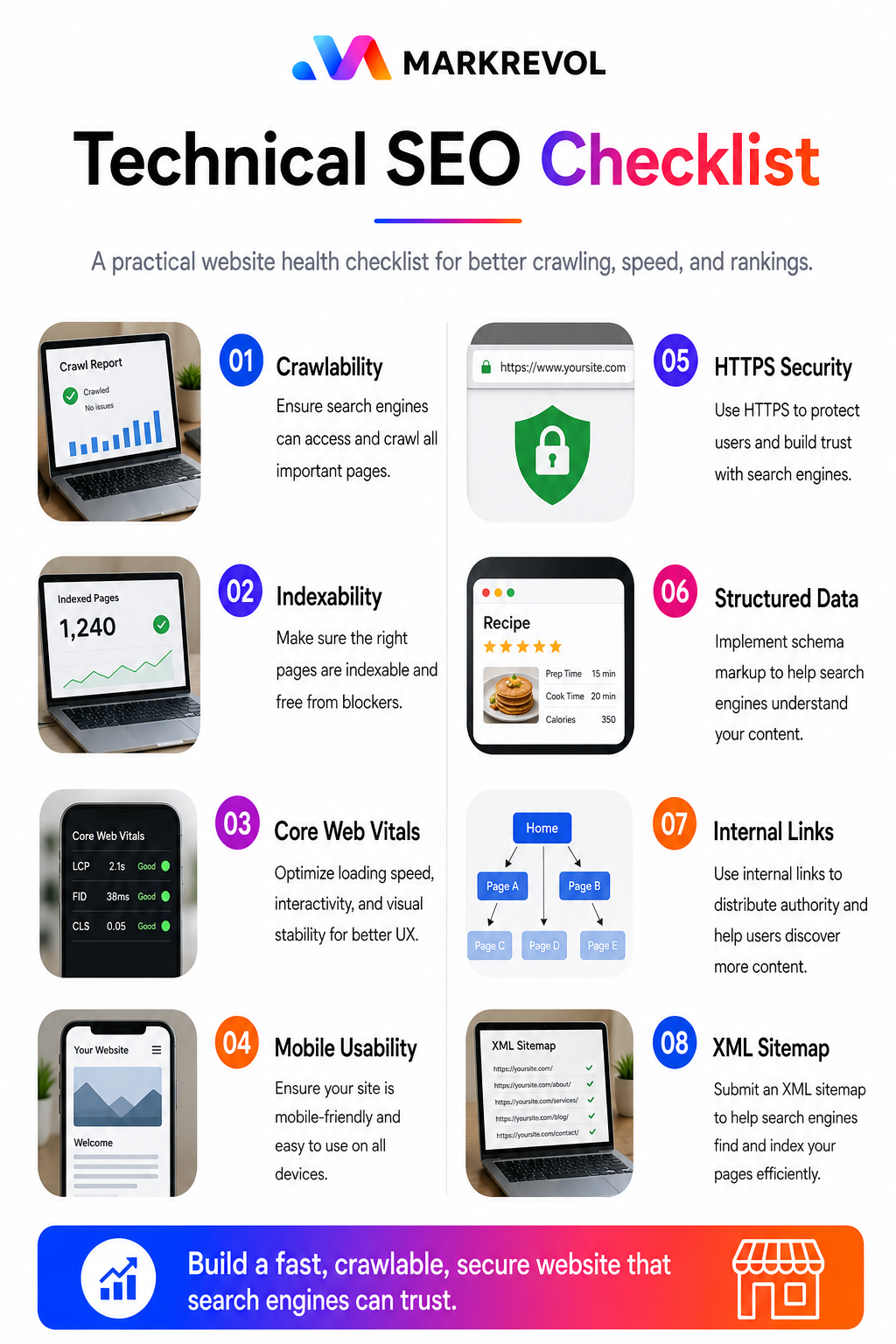
1. Confirm that important pages are indexable
Check the homepage, service pages, location pages, and useful articles. Each should return a 200 status, avoid an unintended noindex directive, and use a self-referencing canonical unless there is a deliberate duplicate.
- Review Google Search Console’s Page Indexing report.
- Inspect unexpected 404, redirect, duplicate, and noindex examples.
- Remove obsolete URLs from internal links and sitemaps.
- Do not try to index feeds, admin pages, search results, or thin utility pages.
2. Review robots.txt and XML sitemaps
Your robots.txt file should not block important resources or landing pages. The XML sitemap should contain canonical, indexable URLs only. Submit the sitemap in Search Console and investigate any URLs Google reports outside your intended structure.
3. Fix canonical and redirect signals
Choose one preferred HTTPS hostname and redirect all alternatives to it. Redirect retired pages to the closest relevant replacement, not automatically to the homepage. Avoid redirect chains, loops, and conflicting canonical tags.
4. Improve Core Web Vitals
Performance work should focus on the templates and assets that affect real users. Compress oversized images, remove heavy embedded graphics, reduce render-blocking code, stabilize layout shifts, and delay nonessential third-party scripts. Test mobile and desktop separately.
5. Test mobile usability
- No horizontal scrolling
- Readable text without zooming
- Tap targets with adequate spacing
- Menus and forms that work on common screen sizes
- No important content hidden only on mobile
6. Make the site architecture crawlable
Every revenue page should be reachable through normal links. A practical structure is homepage to service hub, service hub to individual services, and relevant blogs back to those services. Our on-page SEO services include content structure and internal linking that support this technical foundation.
7. Audit JavaScript and rendered content
Confirm that essential headings, copy, links, product information, and structured data exist in the rendered page. Important content should not depend on a fragile interaction or blocked script.
8. Validate structured data
Use schema that accurately describes the page. Organization, LocalBusiness, Service, Article, BreadcrumbList, and FAQ markup may be relevant, but only when the visible content supports it. Validate markup and avoid misleading properties.
9. Check HTTPS and security basics
All indexable pages and assets should load securely. Renew certificates, eliminate mixed content, keep WordPress components updated, and remove unused plugins or accounts that increase risk.
10. Monitor after every major change
After migrations, redesigns, plugin changes, or URL updates, compare crawl data, indexing, organic landing pages, conversions, and Core Web Vitals. Monitoring catches regressions before they affect a large section of the site.
Frequently asked questions
How often should a technical SEO audit be completed?
Run a full audit before major launches and periodically afterward. High-change ecommerce or publishing sites need more frequent monitoring than small brochure websites.
Can a technically healthy website rank without useful content?
Technical health removes barriers; it does not replace relevant content, competitive authority, or a strong offer. The components work together.
Need a prioritized review and implementation plan? Explore MarkRevol’s technical SEO services or request a consultation.
For a practical comparison of content relevance, page optimization and crawlability, read our guide to on-page SEO vs technical SEO.